FinTech Prototyping with ProtoPie: Build a Fully Functional Banking App Without Code
Master fintech prototyping with ProtoPie. This four-chapter series shows how to build a high-fidelity banking app prototype — with real login logic, live balance updates, and camera integration. No code required.

.png?fm=webp)
We Built a Fully Functional Banking App. Without Writing a Single Line of Code.
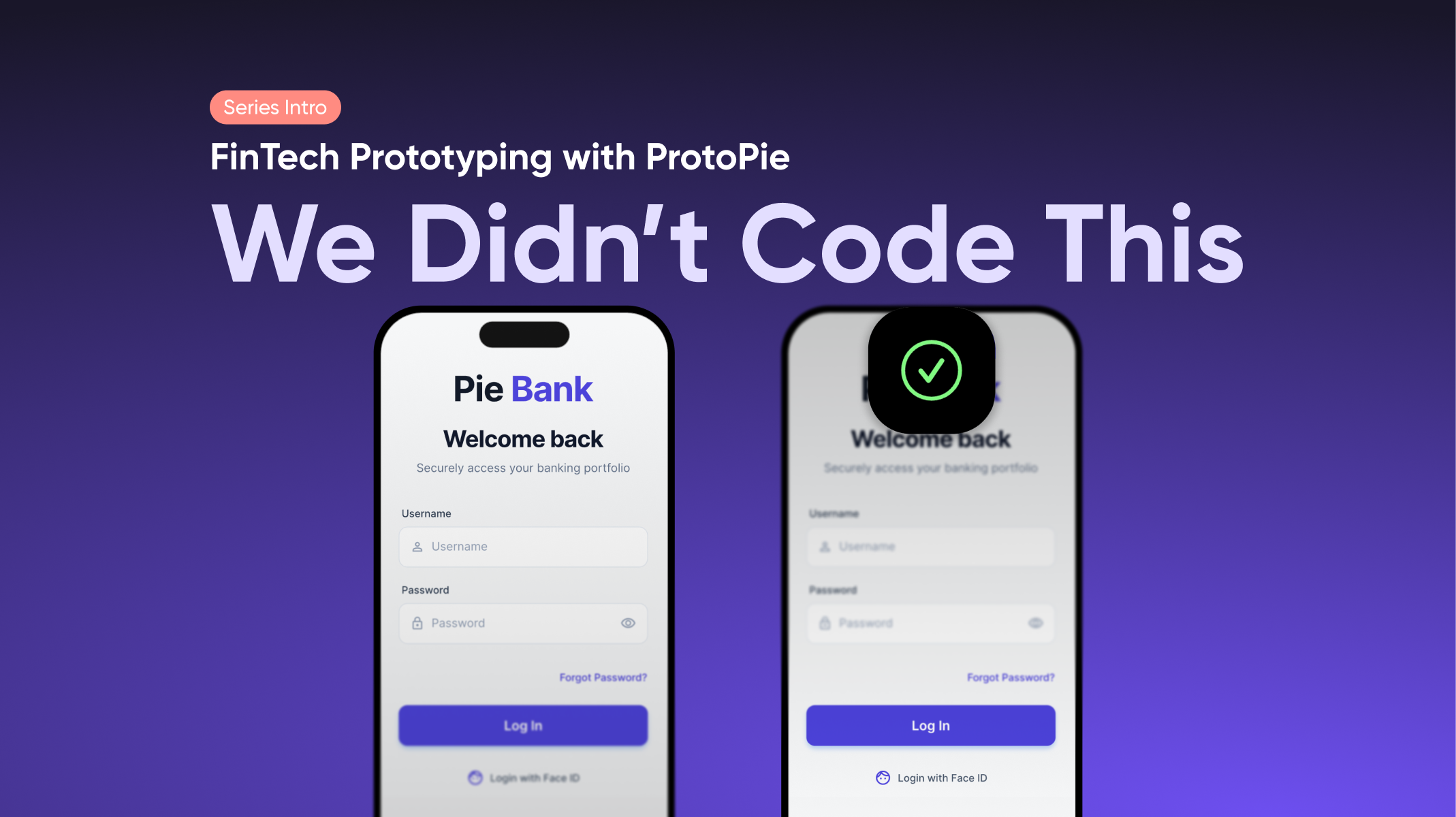
Pie Bank looks like a real app. It behaves like a real app. The login validates actual credentials. The password field masks with dots. The balance updates when you transfer money. The camera opens when you deposit a check.
It’s a fintech prototype. Built entirely in ProtoPie.
AI tools can generate a button, approximate a layout, even suggest interaction patterns. What they can't do is validate the specific logic your product depends on. Pie Bank isn't a best-guess interface. Every conditional flow, every balance calculation, every biometric trigger behaves exactly as specified. That's the difference between a fintech prototype that looks right and one that proves the product works.
This series breaks down exactly how it was made. Not the surface-level interactions, but the mechanics that make it feel real: the variables, the conditional flows, the hardware integrations, the math that keeps numbers accurate across every screen.
Why FinTech Prototyping Requires More Than Figma Can Offer
Most product designers in fintech and banking run into the same wall: Figma's prototyping layer wasn't built for logic.
A balance figure in Figma is a text label. It doesn't update when a user types a transfer amount. A login screen in Figma can't actually validate credentials. A stock chart can't react to a toggle. To work around this, designers create dozens — sometimes hundreds — of static frames to simulate what a single dynamic interaction should do.
The result is a banking app prototype that looks finished but doesn't behave like one. And in fintech, that gap matters. When stakeholders can't see how the product reacts — how the balance changes, how an error state triggers, how a failed Face ID attempt is handled — they're approving something they haven't actually experienced.
This is where high-fidelity fintech prototyping in ProtoPie changes the workflow:
- Dynamic inputs: Users can type real numbers and see the prototype react — balance updates, error states trigger, conditional flows branch based on actual input
- Variable-based logic: Store account states, balances, and session data in variables that persist across every screen, so the prototype carries real financial state as the user navigates
- Edge case simulation: Test what happens when a transfer exceeds the balance, when Face ID fails, or when a network error interrupts a transaction — without faking it with static frames
- On-device testing: Run the prototype in ProtoPie Player on a physical device, so stakeholders and test participants experience the banking app UX exactly as the final product will feel
The designers we spoke with were direct about what drives this need. In fintech specifically, if portfolio amounts don't add up correctly in a prototype, users stop the test to call out the error — and the session is compromised. Realism isn't a nice-to-have when you're testing financial flows. It's the baseline for valid research.
The Business Case for High-Fidelity FinTech Prototyping
Interaction logic validated before a single engineering ticket is created. User testing sessions that produce data you can act on, not feedback qualified with "well, it was just a prototype." Stakeholder sign-off that happens when a decision-maker slides to send a transfer on a physical device instead of reading a spec doc that tries to explain it.
In most FinTech design workflows, the prototype is a visual reference and the logic lives in documentation. When a prototype carries real variables, live math, and conditional flows, that gap closes. The prototype becomes the specification. Fewer engineering assumptions. Fewer revision cycles.
This series was built for teams who need all three.
Meet Pie Bank: The FinTech Prototype That Behaves Like a Real App
Pie Bank is a high-fidelity mobile banking prototype with four core interaction areas. Each becomes its own deep-dive tutorial, guided by our Creative Technologists at ProtoPie.
Watch the full demo first. Then come back here to learn how each piece was built.
Four Chapters. Four FinTech Prototyping Skills to Master.
Chapter 1 - Log In Like It's Already Live
Tutorial: How to Build a Realistic Login Flow in ProtoPie
Where most banking app prototypes fake the login, this one doesn't. You'll build functional text inputs, a masked password field, variable-based credential validation, a live error state, and a Lottie-powered Face ID animation — fully sequenced and timed. The result is a login flow that holds up in any user testing session or stakeholder demo.
Chapter 2 - The Dashboard That Thinks
Tutorial: Building a Smart Dashboard with Variables and Tactile Scroll
A UI that remembers. Every balance, every account state, every data point on the dashboard is stored in variables — the banking app prototype carries your financial state as you navigate through it. We'll also build the paging container that gives the scroll its premium, tactile feel. The kind of detail that turns a demo into a decision.
Chapter 3 - Move Money for Real
Tutorial: Transfer Logic, Dynamic Lists, and Slide-to-Send in ProtoPie
Transfer logic that actually does the math. We build the full send money flow: dynamic account and recipient lists, the slide-to-send component that prevents accidental transfers, and the variable math that keeps balances accurate across the entire session. Stop writing specs that explain how the balance should update. Show them.
If you want to explore the transfer mechanics on their own first, read how to simulate money transfers in ProtoPie — it covers the core dynamic input and balance calculation logic this chapter builds on.
→ Coming soon
Chapter 4 - Your Camera Is a Feature
Tutorial: Camera Layer Integration and Physical Device Interactions
Hardware that feels indistinguishable from the real thing. We use ProtoPie's camera layer to build a live check deposit flow — real camera feed, capture simulation, and an instant balance update on confirmation. When stakeholders can hold the device and complete the interaction themselves, the conversation changes.
→ Coming soon
Don't Want to Wait for the Full Series?
The full series rolls out every few weeks. But if you have a fintech prototyping project running now and need to move faster, you don't have to wait for each tutorial to drop.
Our Creative Technologists offer private sessions where you work through your specific prototype directly with them. Your interactions, your logic, your questions.
Spots are limited.
Want to Learn by Exploring?
At the end of this series, we'll release the complete Pie Bank ProtoPie files, all four chapters, 14 connected ProtoPie scenes, every interaction, open to explore in ProtoPie.
Check back when the series is complete, or follow along so you don't miss the release.

